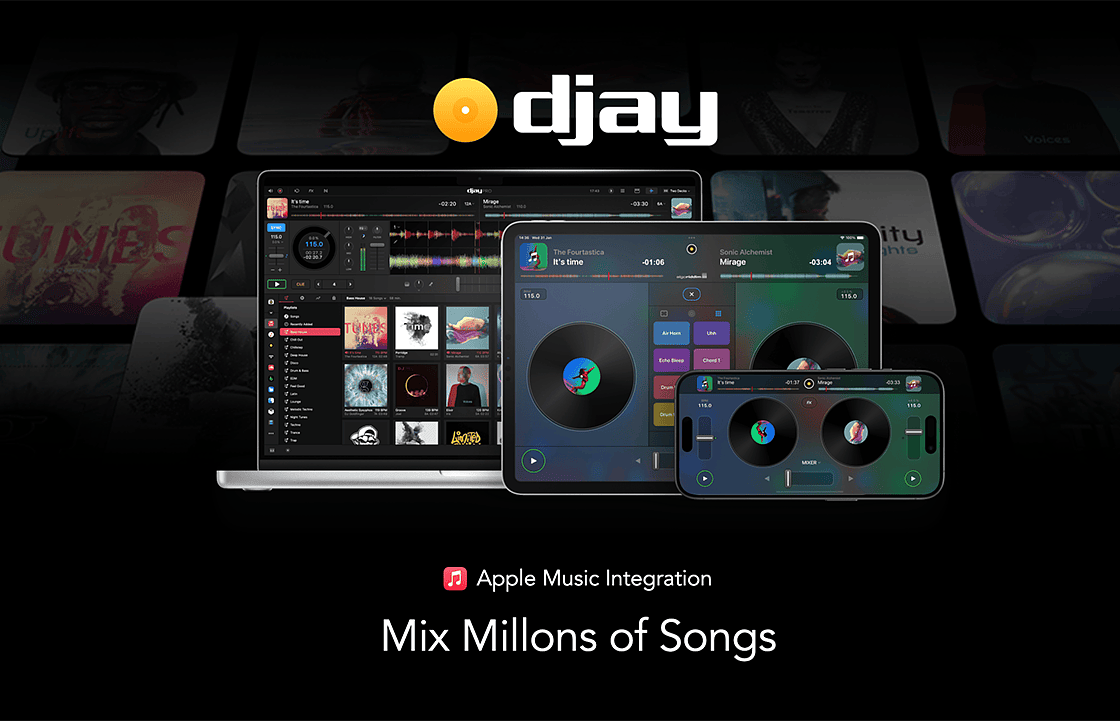
We’re thrilled to announce that djay now integrates with Apple Music. Starting today, Apple Music integration in djay is available in 167 countries across iPhone, iPad, Mac, Apple Vision Pro, Windows, and Android, bringing unparalleled music access to djay users around the world. Connect your Apple Music account directly within djay for immediate access to a catalog of over 100 million songs, including your personal library in the cloud.
Download djay and get up to 2 Months of Apple Music for Free*
☒
* Subject to Offer Terms and Conditions shown within the app
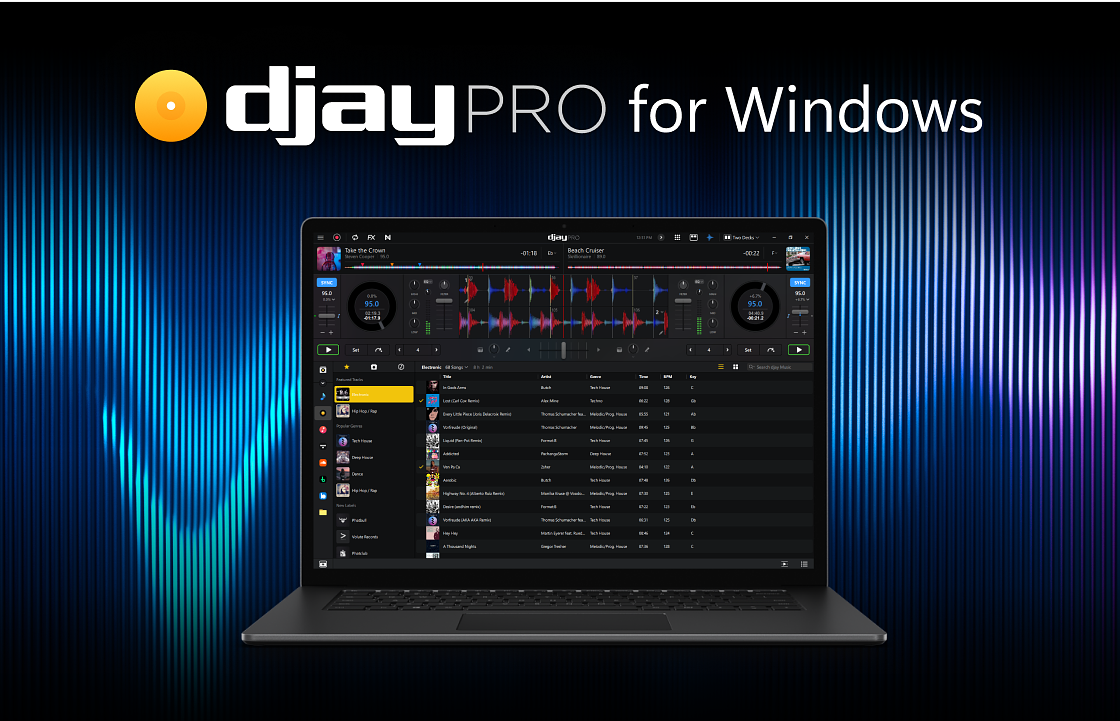
We're excited to announce the all-new djay Pro for Windows. Re-imagined and re-built from the ground up, the new djay Pro shines on Windows with countless new features including Neural Mix, Advanced Library Management, DVS, and ASIO support.
Check out the walkthrough video by DJ Angelo to learn more:
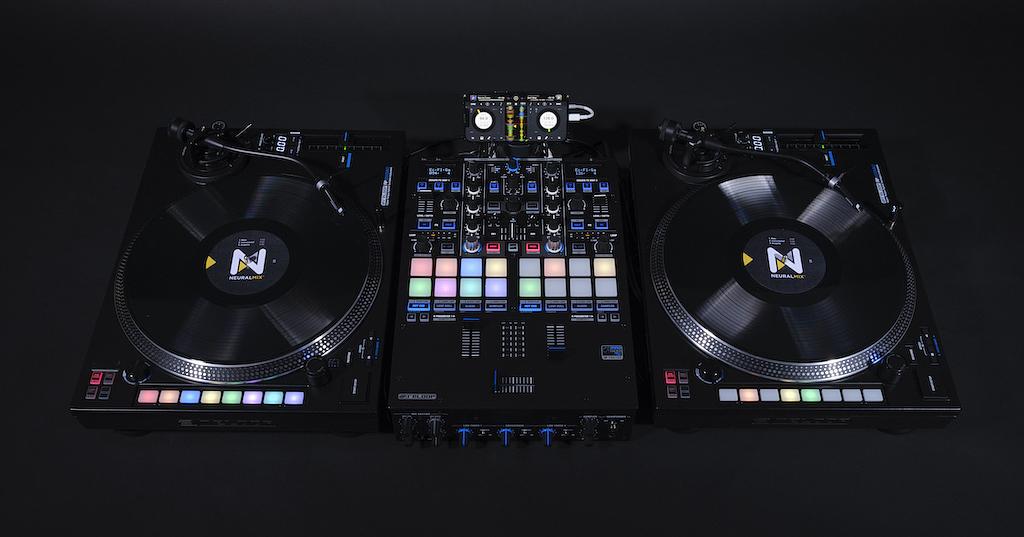
We are thrilled to announce one of the biggest updates to djay ever – version 4.0 for Mac, iPad, and iPhone – including Digital Vinyl Control (DVS) and countless new features. Take the stage – anywhere, anytime – using your mobile device connected to physical turntables and mixers.
Working closely with some of the world’s top DJs, including award-winning turntablist DJ Angelo, we have also carefully adapted djay’s user interface to perfectly complement any connected hardware and provide a unique blend of tactile and touch based control. Moreover, djay’s audio engine has been fine tuned for digital vinyl control to offer the tightest scratching, most accurate time-stretching, and lowest latency possible.
Watch as world champion turntablist DJ Angelo walks us through the new DVS features in djay:
We are also excited to introduce our new DVS format, Neural Mix™ Vinyl: offering isolated stems for any song right on the B-side of the control vinyl. With the official djay Control Vinyl, you can simply drop the needle of the analog turntable onto one of three distinct tracks on the physical record to play either the original song, its instrumental version, or the acapella. See it in action with DJ Angelo:
☒
Other NEW features and updates included in this major update to djay Pro AI:
Advanced DVS options: including Internal, Relative, Absolute modes, Muted/Gated Cue, Seamless calibration, Neural Mix Vinyl settings for B-Side (Instrumental, Acapella vs. Drums, Melodic)
DVS Auto Setup and Calibration: support for official djay Control Vinyl + smart auto calibration, supports standard time code DVS systems that use a control tone of 1kHz (which the vast majority of DVS systems nowadays do)
Plug-and-Play DVS integration through popular performance mixers, including:
Reloop ELITE (Mac+iOS)
Pioneer DJ DJM-S3 (Mac)
Pioneer DJ DJM-S7 (Mac+iOS)
Pioneer DJ DJM-S9 (Mac)
Pioneer DJ DJM-S11 (Mac)
Allen & Heath Xone:96 (Mac+iOS)
Allen & Heath Xone:PX5 (Mac+iOS)
RANE MP2015 (Mac+iOS)
RANE SEVENTY (Mac+iOS)
Denon X1850 Prime (Mac+iOS)
Redesigned user interface
Hardware UI: djay automatically switches to a new user interface developed and finely tuned with professional DJs when connected to DJ hardware controllers and DVS
Improved layout for cue points, loops, and effects
New audio effects: includes brand new Instant FX and a full suite of stunning new AI based audio effects that are rendered in real time
Pitch cue/tone play: Use pitch-altered cue points to create new musical moments from your tracks. You can choose from a variety of auto-generated scales including chromatic, minor, major, and the blues scale.
Cue point color editing: Change the color of your cue pads in both software and hardware to suit your workflow. Cue point colors for tracks are seamlessly synchronized across djay on Mac, iPad, and iPhone via the cloud.
Advanced Time Stretching: Change the tempo of a song without affecting its pitch using the enhanced industry leading élastique Pro V3 by zplane
Enhanced Quantize options with high precision quantization for loops and cue points
Booth output: Add booth volume control on supported hardware
Microphone input: Along with macOS, iOS devices now support microphone input
Enhanced Music Library Management
Streaming playlist editing: Edit and create TIDAL, SoundCloud, Beatport, and Beatsource playlists from within djay
Track root key color coding: Key tags are color coded for easy visualization
Numeric key information
Track information panel (macOS only): Quickly view the track waveform, cue locations, plus essential metadata in the new track info side panel, automatically updates content based on library track selection or active deck
Related tracks tag (macOS only): Group tracks that go well together by dragging and dropping for quick and easy reminders while you browse track information
Colored track tags (macOS only): Highlight tracks within your library using eight different colors to help your organization
Highlight played music: Keep better track of what you’ve already played with library color-coded text
djay Pro AI is available as a free download with the optional PRO subscription to access all content and advanced features across your iPad, iPhone, and Mac devices using the same App Store account.
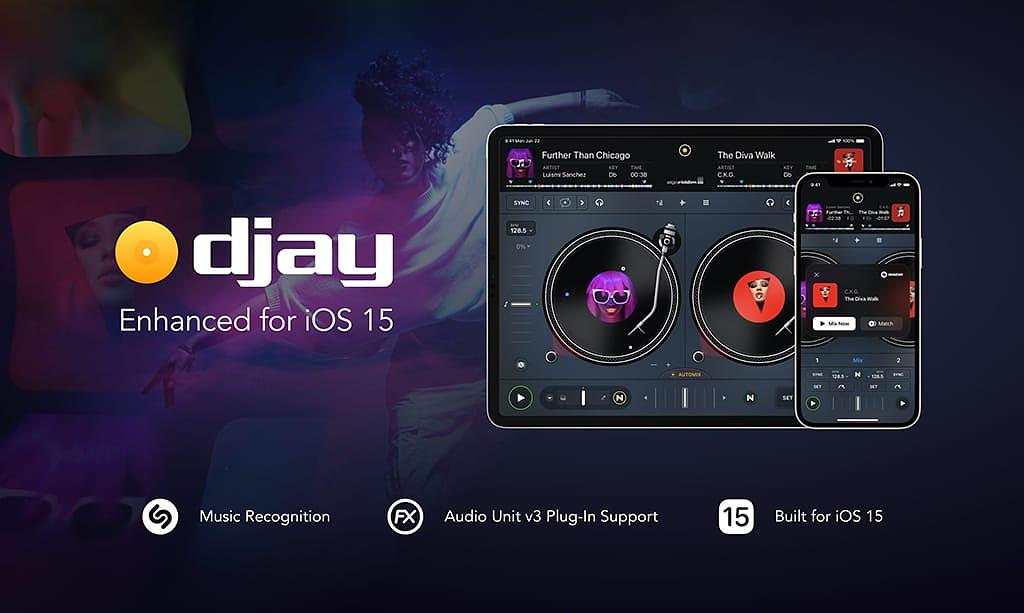
We’re excited to announce an update to djay for iOS 15. With Shazam’s recognition technology now built into djay, you can discover music playing in your surroundings and instantly load it onto the virtual decks. This opens up whole new creative workflows.
The major update to djay makes it one of the first apps to harness the capabilities of Shazam’s audio recognition, available on Apple’s new iOS 15 operating system, opening up a new chapter for hyper intelligent music applications.
The built-in feature utilizes Shazam’s recognition technology enabling djay users to discover music playing in their surroundings; whether they are at an event, listening to the radio, or playing a back-to-back set with another DJ. Once a song has been identified, djay instantly loads it onto the virtual decks and plays the audio in sync with the external music source. Time synchronization is achieved by detecting and matching the exact part of the song through Shazam. djay’s Automix feature can then create a mix with similar tracks, automatically remixing the song, applying effects, and deconstructing it into its original components using its Neural Mix technology. djay also saves previously identified songs to users’ Shazam history in Control Center on iOS 15.
“Integrating Shazam into djay completely transforms the creative workflow of DJs. As a DJ you are constantly on the lookout for great new music to play at your next gig, but identifying a track and the process of getting it into your library has been a challenging task with no seamless way to do it. Now, whenever you hear a great song you can load it into djay’s decks with the tap of a button and instantly unleash your creativity,” said Karim Morsy, CEO of Algoriddim.
From music recognition to discovery to remixing, djay provides a first-of-its-kind AI-based music experience. The ShazamKit integration is the latest in a range of features made possible by iOS devices, including Neural MixTM, which utilizes the Apple Neural Engine to allow users to isolate beats, instruments, and vocals of any track in real time and redefines the boundaries of creative mixing.
iOS 15 - Audio Unit Enhancements
Building on the modern Audio Unit v3 plug-in architecture and new system Audio Unit views added in iOS 15, djay now also allows effects to be added on the master audio output. Users can choose from 14 system effects as well as dozens of third party apps providing Audio Unit effects to add powerful audio processing on the output signal. This can be used, for example, to tailor the audio to the characteristics of the connected PA using precise, fully parametric EQ or to even out the signal for broadcast using multi-band compression for the best possible audio experience.
Requirements djay’s ShazamKit integration is available on any iPhone or iPad running iOS 15. In order to directly stream a recognized track in djay, users need an internet connection and they need to be logged into one of djay’s supported premium streaming services such as TIDAL, SoundCloud, Beatport, or Beatsource.
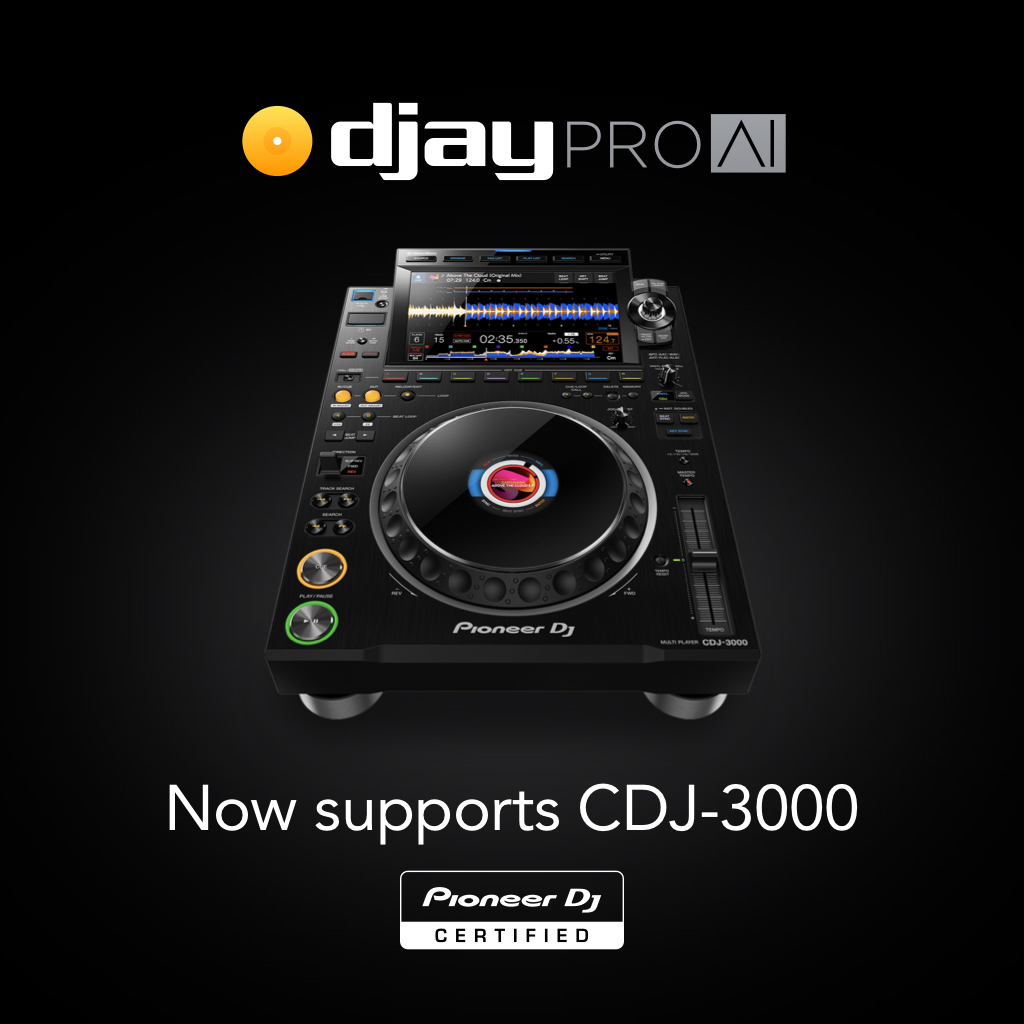
We’re excited to be an officially certified partner for the Pioneer DJ CDJ-3000. This flagship multi player is now officially compatible with djay Pro AI for Mac. Watch the video to see Pri yon Joni take it for a spin.
On the screen of the CDJ-3000, you can now browse playlists in djay PRO AI for Mac as well as the catalogs of streaming services linked to the application when it
I would like to read about the latest and greatest on the djay product line by Algoriddim.
If I should change my mind, I can unsubscribe at any time. Further information can be found in
the privacy policy.